macOS 14 or later · Apple silicon and Intel
Tiling for the Mac.
Every window you open lands where it should. Nine desktops, one keystroke, and every binding changed in a settings window rather than a config file.
14-day free trial
Trusted by hundreds of Mac users, including people working at






The parts that are not the tiling
Every tiler splits windows. These are the reasons to pay for one.
Every default binding
Rebind any of them in the app.
Both sets are bound. This only changes what is printed.
Focus
- Focus left
- ⌥H
- Focus down
- ⌥J
- Focus up
- ⌥K
- Focus right
- ⌥L
Move the window
- Move the window left
- ⌥⇧H
- Move the window down
- ⌥⇧J
- Move the window up
- ⌥⇧K
- Move the window right
- ⌥⇧L
Move the edge
- Move the edge left
- ⌥⌃H
- Move the edge down
- ⌥⌃J
- Move the edge up
- ⌥⌃K
- Move the edge right
- ⌥⌃L
Desktops
- Go to desktop 1–9
- ⌥1 – 9
- Throw the window there
- ⌥⇧1 – 9
- Show the desktop
- ⌥D
Windows
- New terminal
- ⌥↩
- Fill the desktop
- ⌥F
- Float the window
- ⌥V
- Make this the main window
- ⌥M
- Applications
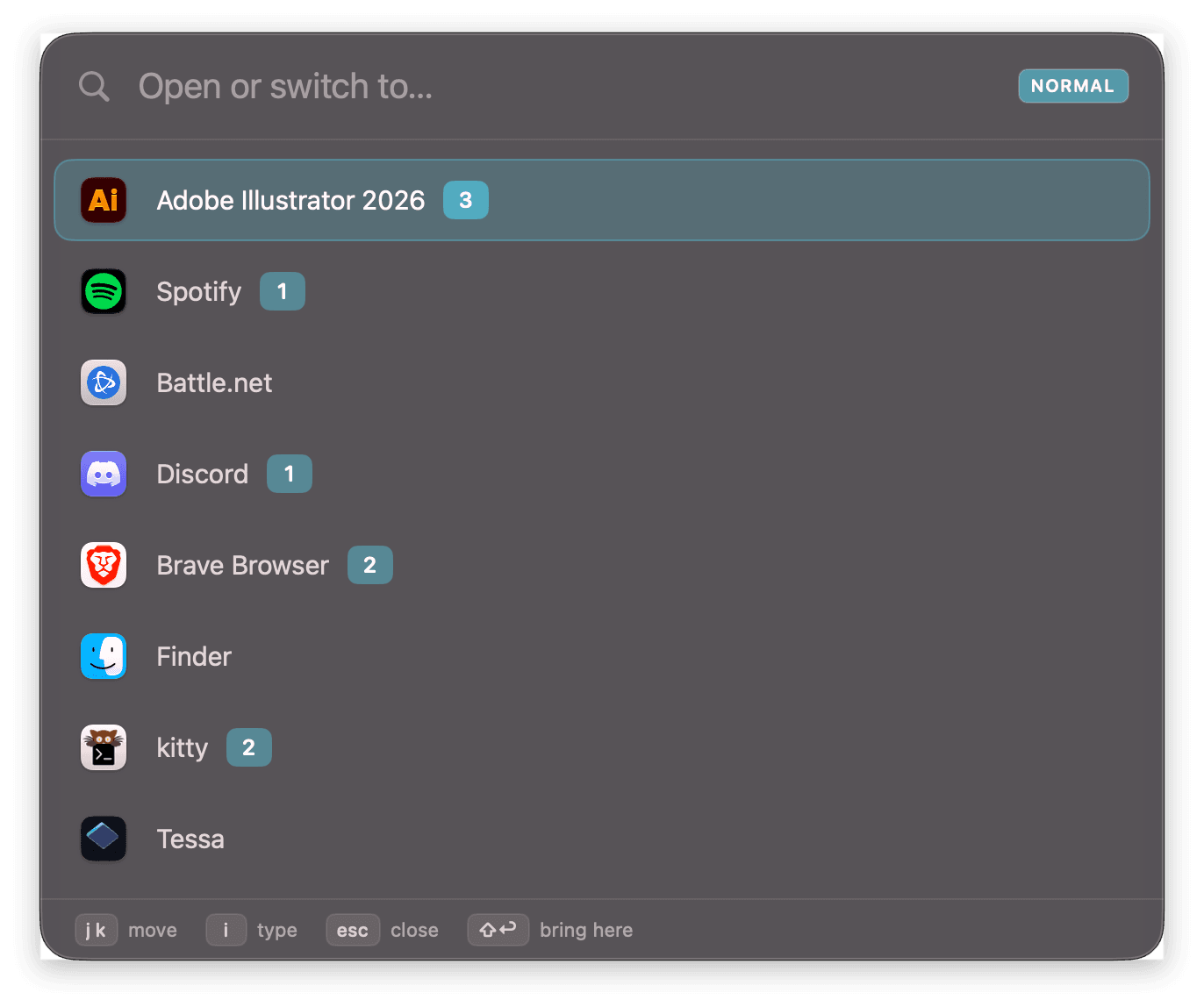
- ⌥Space
- Show every shortcut
- ⌥/
Layout
- Flip this split
- ⌥E
- Flip every split
- ⌥⇧E
- Lay out as a grid
- ⌥G
- Switch this desktop's layout
- ⌥⇧M
Why Tessa
| Feature | Tessa | yabai | AeroSpace | Rectangle |
|---|---|---|---|---|
| Runs with SIP enabled | ||||
| Windows split themselves | ||||
| Nine instant desktops | ||||
| Settings you can click | ||||
| No config file | ||||
| No terminal to install | ||||
| Built-in app launcher | ||||
| Shortcut cheat sheet | ||||
| Signed and notarised |
One Price, Paid Once
We also hate subscription software.
One-time
Tessa
Every feature included.
$19.99/ once
A perpetual licence for version 1. Two machines. Buy it when the trial ends, or before, if you already know.
Buy a Licence- Pay once, keep it forever
- Two machines per licence
- 14 days free, no card
- Every update to version 1